
Connect Custom AI Models with OpenAI and Anthropic APIs
Many AI providers advertise an “OpenAI-compatible API,” but their paths, message schemas, image support, and response objects are not always identical. One service may implement Chat Completions, another may prefer the Responses API, and a private gateway may expose legacy completions or Anthropic Messages.
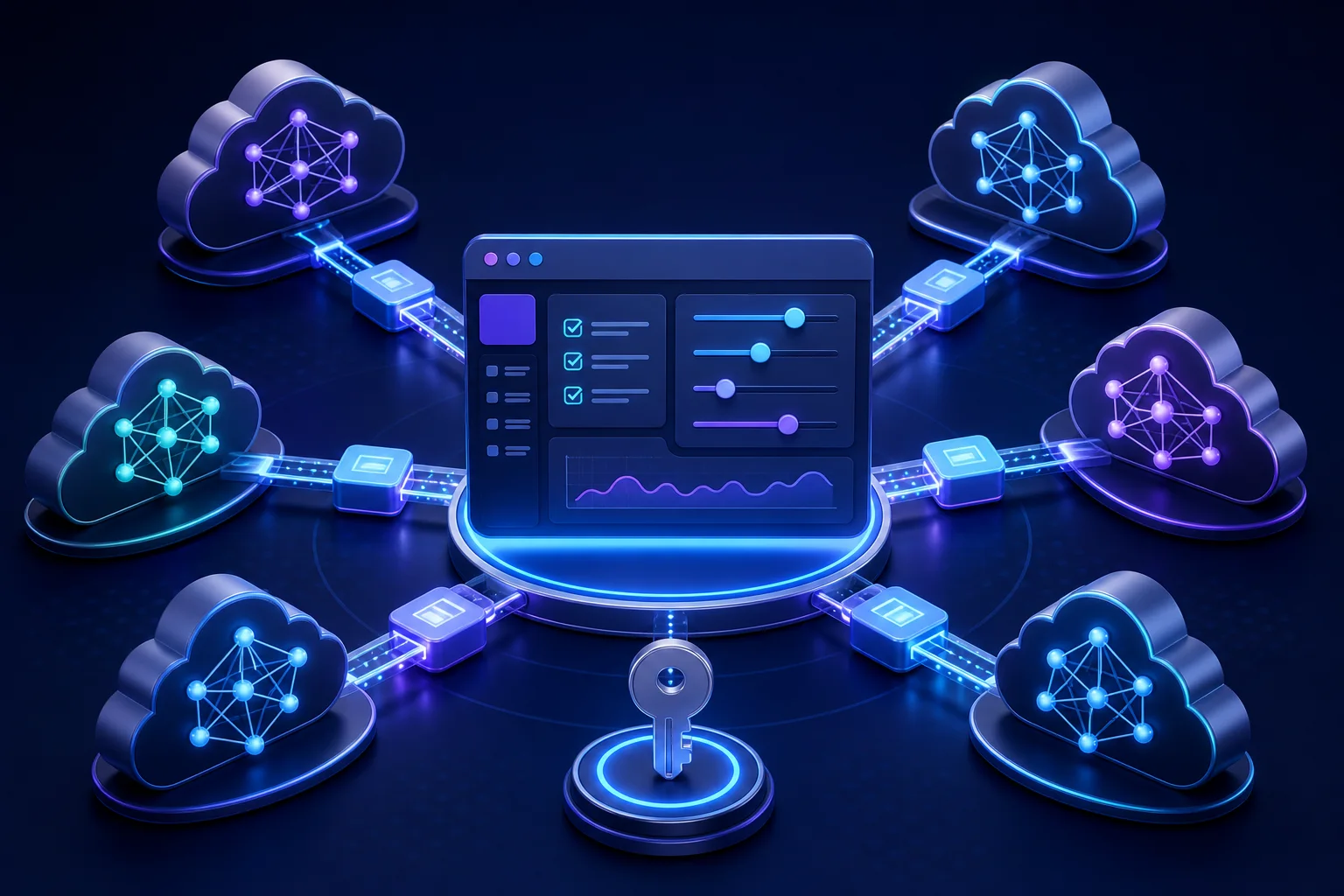
XiaoHei Daily Assistant has expanded custom and local model compatibility so screenshot analysis, report writing, and overview summaries can use different model roles, interface formats, custom request paths, and additional parameters.
Start by separating model roles
Screenshot analysis
The screenshot model must accept image input. It interprets desktop captures and converts them into work records. A text-only model may pass a basic connection check but still fail the real screenshot workflow.
Report generation
The report model processes timelines, templates, memory, and instructions. Context capacity, writing quality, and instruction following matter more than visual input.
Overview summaries
Short homepage summaries can use a faster or less expensive model when the workflow does not require the same capacity as a monthly report.
Assigning each task to a suitable model is often more stable and economical than using one large model everywhere.
Choose the interface format from provider documentation
XiaoHei can work with common patterns such as OpenAI Chat Completions, OpenAI Responses, legacy completions, and Anthropic Messages. Select the protocol based on the service’s official documentation, not only on the model name.
Check whether the configured address is a base URL that expects XiaoHei to append a standard path or a complete custom request URL. Provider-specific parameters may control temperature, reasoning behavior, or extensions, but they should not overwrite required message, model, or streaming fields.
Multimodal screenshots are the most common failure point
A model listed in a provider catalog is not necessarily deployed with vision enabled. Before using it for screenshots, confirm that:
- the endpoint accepts image or base64 content;
- the selected model version supports vision;
- an API gateway does not strip multimodal message fields;
- request-size limits allow multiple display images;
- the response schema matches the selected compatibility mode.
XiaoHei sends multi-monitor captures as an image array rather than merging them into one oversized picture. A custom gateway must forward multi-image messages correctly.
What a useful connection test should reveal
HTTP 200 alone is not enough. Review the final request address, interface mode, model identifier, and sanitized server error. Frequent mistakes include an invalid API key, duplicated path segments, a missing model deployment, an incompatible response field, or a local service listening on a different host or port.
Begin with the minimum configuration. Add provider-specific parameters one by one after the basic request succeeds, so a failure has a small, understandable cause.
Local versus remote custom models
Local models may run through LM Studio, an Ollama-compatible gateway, or another inference server. They provide greater control over the data path but require hardware, model storage, and process maintenance. A remote custom API is easier to operate and may deliver stronger performance, but users should understand pricing and data policies.
Store API credentials only in the application’s settings. Do not place keys in report templates, timeline notes, screenshots used for support, or shared configuration examples.
Recommended setup order
- Decide whether the model serves screenshots, reports, or summaries.
- Confirm the protocol and exact endpoint in provider documentation.
- Enter the model name and credential.
- Test without optional parameters.
- Validate vision with one ordinary screenshot.
- Validate writing with a small timeline range.
- Add reasoning, temperature, and context options only after the workflow is stable.
Flexible compatibility increases choice, but it also makes structured troubleshooting essential. Identify the role first, verify the protocol second, and tune parameters last.