
Automatic Clipboard Logging: Turn Copied Text into a Work Timeline
Not every meaningful part of knowledge work is visible in a screenshot. You may copy a requirement from a document, an error message from a terminal, a customer comment from chat, or a paragraph from a research page. By the end of the day, those small but important actions are easy to forget.
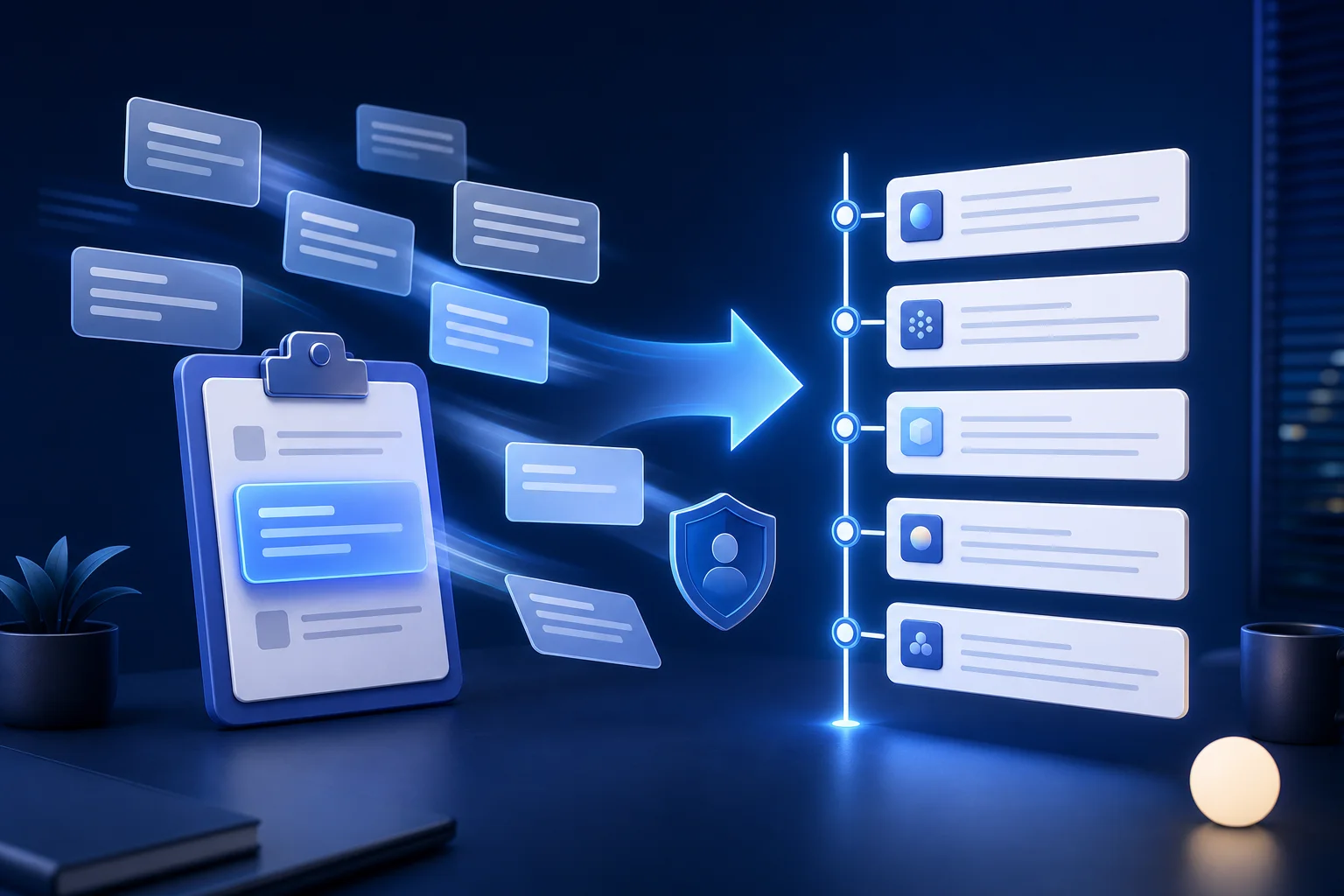
XiaoHei Daily Assistant now offers optional automatic clipboard logging. When enabled, qualifying plain text copied after activation can be added to your work timeline. The feature is designed to complement screenshot analysis and app-usage data, not to become an unlimited clipboard archive.
What automatic clipboard logging captures
The recorder checks for clipboard changes once per second and processes newly copied plain text. Its current safeguards include:
- text must contain between 5 and 10,000 Unicode characters;
- images and file clipboard formats are ignored;
- the 30 most recent clipboard records are checked for duplicate content;
- both automatic work recording and clipboard recording must be enabled;
- content already in the clipboard when the feature starts is treated as a baseline and is not immediately logged.
These rules filter out many accidental events while keeping useful excerpts, requirements, commands, and notes.
Where it adds the most value
Research and competitive analysis
Researchers often move between many pages and collect short evidence fragments. Clipboard entries preserve the order in which useful material was found, making it easier to reconstruct the research process and explain how a conclusion was reached.
Product, support, and customer work
Requirements, ticket details, and customer feedback frequently travel through chat, spreadsheets, and issue systems. Logging selected copied text can turn a vague daily-report sentence such as “handled customer issues” into a more concrete account of the questions reviewed and decisions made.
Writing and technical troubleshooting
Terminology, error messages, query results, and reference passages are part of the work itself. When these items appear alongside app sessions and screenshot-derived records, an AI report has better context for describing the day accurately.
The privacy warning is essential
The clipboard is also one of the most sensitive data sources on a computer. Passwords, verification codes, API keys, access tokens, private messages, internal links, and customer data may all be copied as plain text. XiaoHei does not automatically know which text is secret and does not redact it for you.
Use the feature deliberately:
- Turn it off before handling credentials, payments, or confidential customer information.
- Review timeline entries filtered by the Clipboard source.
- Delete anything that should not be retained.
- Never share or automatically submit an unchecked timeline.
How to use clipboard records in a daily report
More records do not automatically produce a better report. At the end of the day, review clipboard entries and keep evidence that clarifies outcomes: confirmed requirements, relevant errors, research findings, decisions, and deliverables. Remove navigation fragments, repeated snippets, and content that adds no meaning.
Then generate the report using the cleaned timeline. Screenshot analysis can show the environment, app usage can show time allocation, and clipboard text can preserve the exact material you handled. Together, they reduce dependence on memory without pretending that every copied string deserves permanent storage.
A quick enablement checklist
- Automatic work recording is already on.
- You understand that sensitive text is not automatically detected.
- Your current work benefits from preserving text evidence.
- You know how to filter and delete Clipboard records.
- You will pause the feature before copying credentials or confidential material.
The purpose of automatic logging is not surveillance or exhaustive collection. Used within a clear privacy boundary, clipboard records become a lightweight source of evidence that makes timelines, daily reports, and retrospectives more specific.